
AI commerce field guide
Google Merchant Center vs Shopify Catalog for AI Product Discovery
Compare how Shopify Catalog and Google Merchant Center connect products, report status, support AI discovery, and relate to checkout.
Chapter 01
They Are Complementary, Not Alternatives
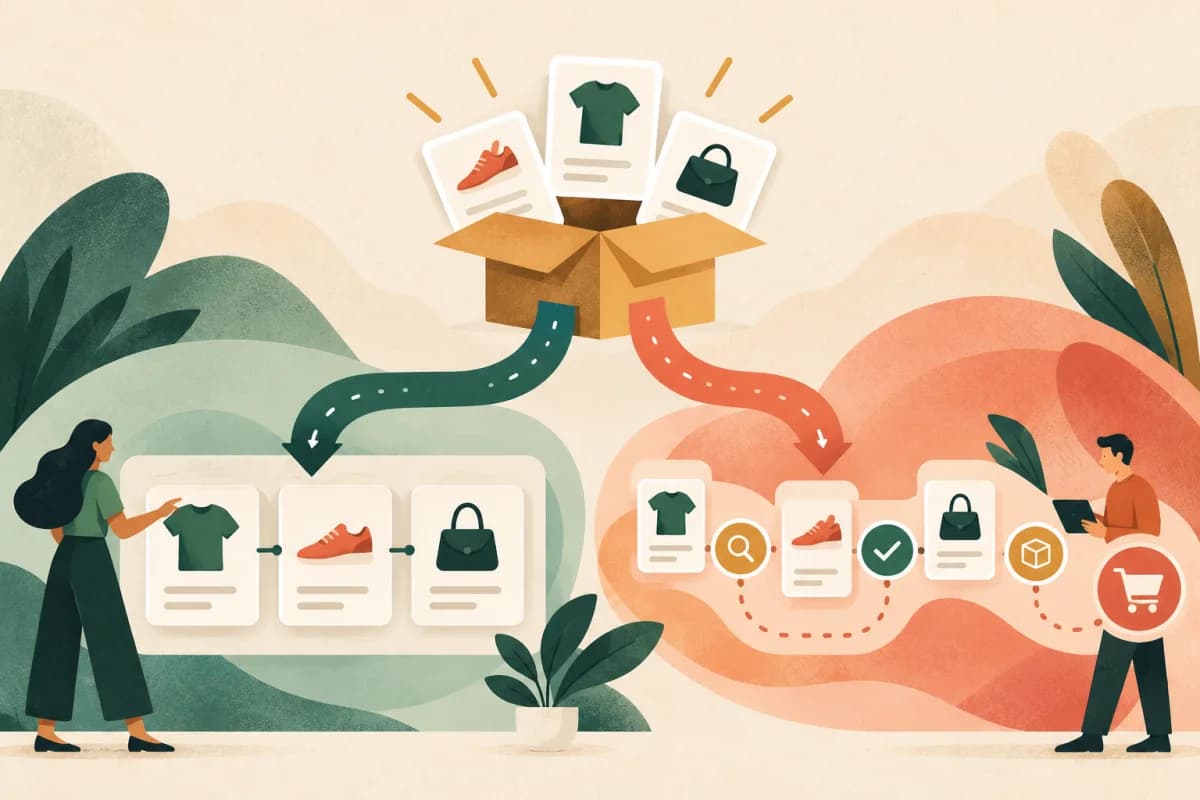
Shopify Catalog and Google Merchant Center both carry product data, but they operate at different layers. Shopify Catalog distributes eligible Shopify products to participating AI channels. Merchant Center processes product data for Google and reports Google-specific approval and issue states.
Chapter 02
Connection: Automatic Layer vs Google Account
Shopify Catalog
Eligible products are automatically added to Shopify Catalog. The merchant checks store eligibility, the catalog product count, and product-data mapping under Shopify’s Agentic sales channel. There is no separate Merchant Center account for this route. Shopify Catalog documentation
Google Merchant Center
Google requires its own Merchant Center connection. Shopify’s standard route is the Google & YouTube sales channel, which syncs products and relevant store information. Merchants can also use another feed provider or a manual upload. Shopify’s Google AI guide Connection instructions
Important: Google AI Mode and Gemini discovery is powered by Google Merchant Center—not by the general Shopify Catalog connection used for channels such as ChatGPT or Copilot.
Chapter 03
Product Status: Coverage vs Diagnostics
Shopify Catalog reports whether the store is eligible and how many products are in the catalog. It also exposes mapping controls. That answers whether Shopify can syndicate the product set, but it is not a destination-level approval report.
Merchant Center provides more granular Google-specific status. Its interface uses states such as processing, approved, limited, and not approved. Google’s Merchant API can return the final processed product, destination statuses, approved or disapproved countries, and item-level issues. Merchant Center status guide Merchant API guide
- Catalog status
- Evidence that Shopify includes eligible products in its syndication layer.
- Merchant status
- Evidence about a processed product on specific Google destinations and countries.
- Appearance
- Must still be observed in a real result; neither status guarantees it.
Chapter 04
Discovery: Different Destination Scope
Shopify Catalog is a multi-channel product source. Shopify documents it as the primary structured route for participating agentic storefronts, while crawling and merchant-owned feeds remain separate discovery methods. Shopify documentation
Merchant Center is Google-specific. An approved product can be eligible for Google surfaces, but approval does not prove that AI Mode or Gemini will select it for a particular query. Relevance, policy, market, availability, and the user’s request still affect the result.
Measure the routes independently: verify delivery in Shopify, verify processing in Merchant Center, then test whether the product actually appears for representative buyer prompts.
Chapter 05
Checkout Is a Separate Capability
A product being present in either system does not define how checkout works. Product data delivery, result selection, and transaction handling are three separate stages.
For Google, Universal Commerce Protocol is the transaction layer. Google documents a cart path that hands the cart to the merchant site and a native checkout path for purchases on Google AI surfaces. Merchant Center feed, shipping, and returns setup are prerequisites, and the integration must be approved before going live. Google UCP overview
Therefore: “approved in Merchant Center” is not the same as “direct checkout enabled.” The same separation applies to Shopify Catalog destinations.
Chapter 06
Most Shopify Merchants Should Use Both
Using Merchant Center does not replace Shopify Catalog, and Shopify Catalog does not replace Google’s product review. Keep both active when you want broad agentic discovery and Google coverage. Maintain one accurate Shopify product record, then verify each destination’s processed output.
For the broader channel map, read AI Shopping Channels for Shopify. For Catalog fundamentals, use the separate Shopify Catalog guide.
Chapter 07
A Practical Verification Sequence
- 1
Confirm Shopify Catalog eligibility and review the mapped product count.
- 2
Connect Merchant Center and confirm the correct Shopify products are syncing.
- 3
Resolve destination, country, policy, identifier, price, and availability issues.
- 4
Test real buyer prompts; do not treat feed approval as proof of recommendation.
- 5
Record checkout mode separately from product discovery.
Sources and further reading
- Shopify: Catalog and product discovery for agentic storefronts
- Shopify: Selling on Google AI Mode and Gemini
- Shopify: Set up the Google & YouTube channel
- Google: Product visibility and status in Merchant Center
- Google: Merchant API product status and data issues
- Google: Universal Commerce Protocol overview
Reviewed October 29, 2026. Rollouts, eligibility, and checkout support can change; current platform documentation takes precedence.